
Web Interface
LucidLines provides a modern web dashboard for monitoring and controlling your processes in real-time. The interface is built using Vite and React for optimal performance and developer experience.
Accessing the Dashboard
Once LucidLines is running, open your browser to:
http://localhost:8080(or your configured port)
Interface Overview
Basic Terminal Display
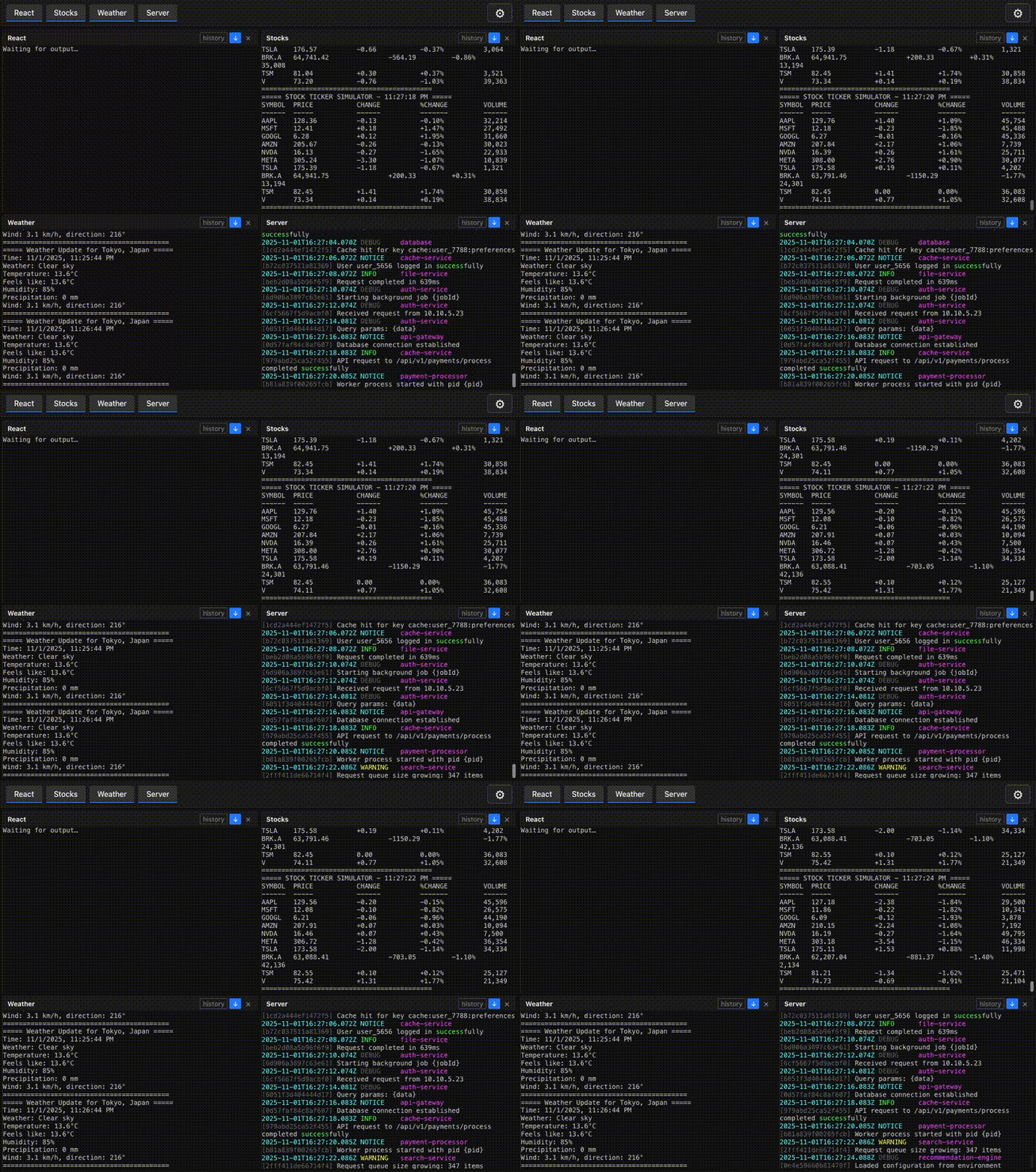
The web interface displays your configured processes in individual terminal windows, showing real-time output as it streams from each process.
Terminal Selection
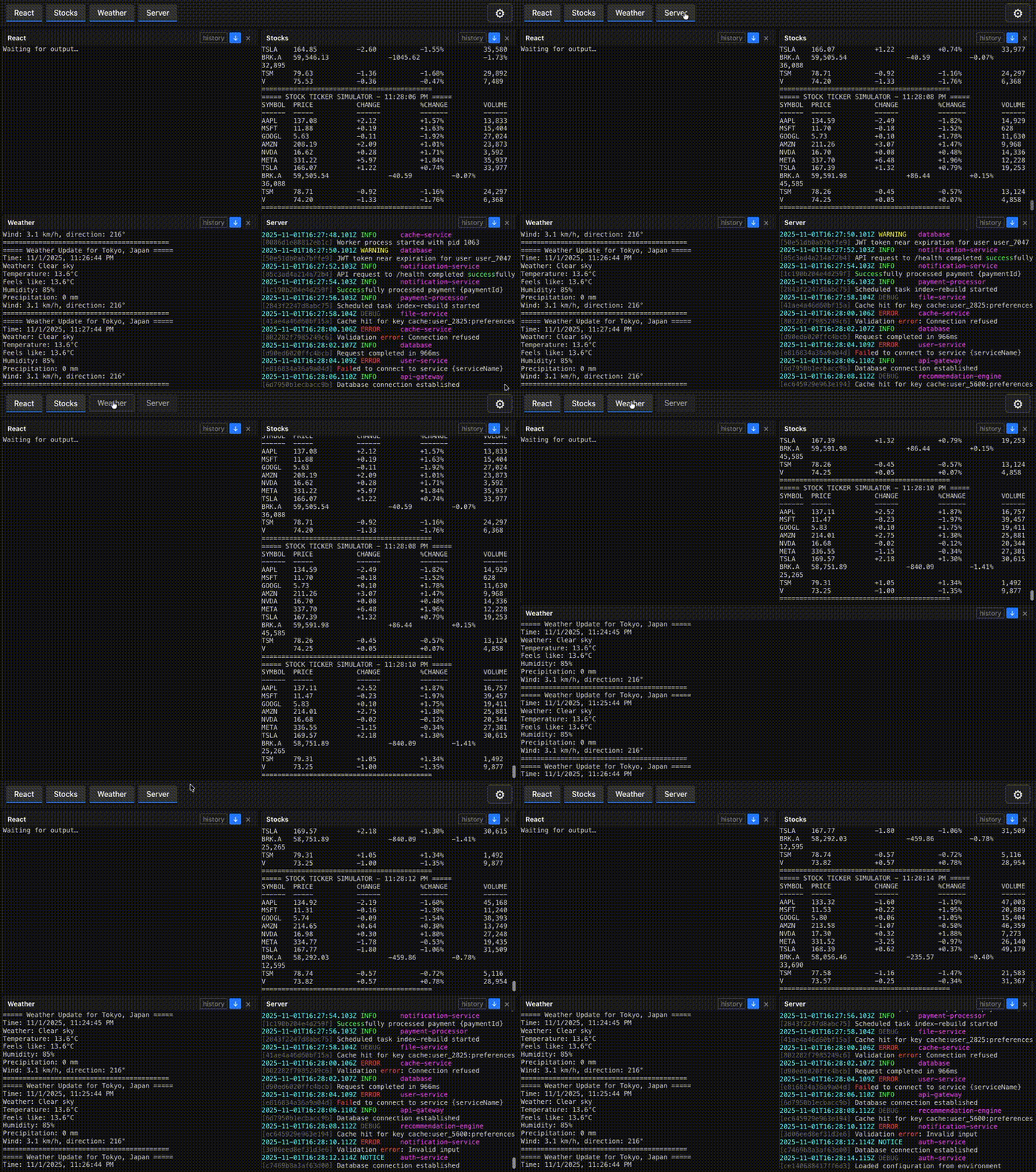
You can toggle individual terminals on and off without affecting the underlying processes. This allows you to focus on specific outputs while keeping processes running in the background.
History
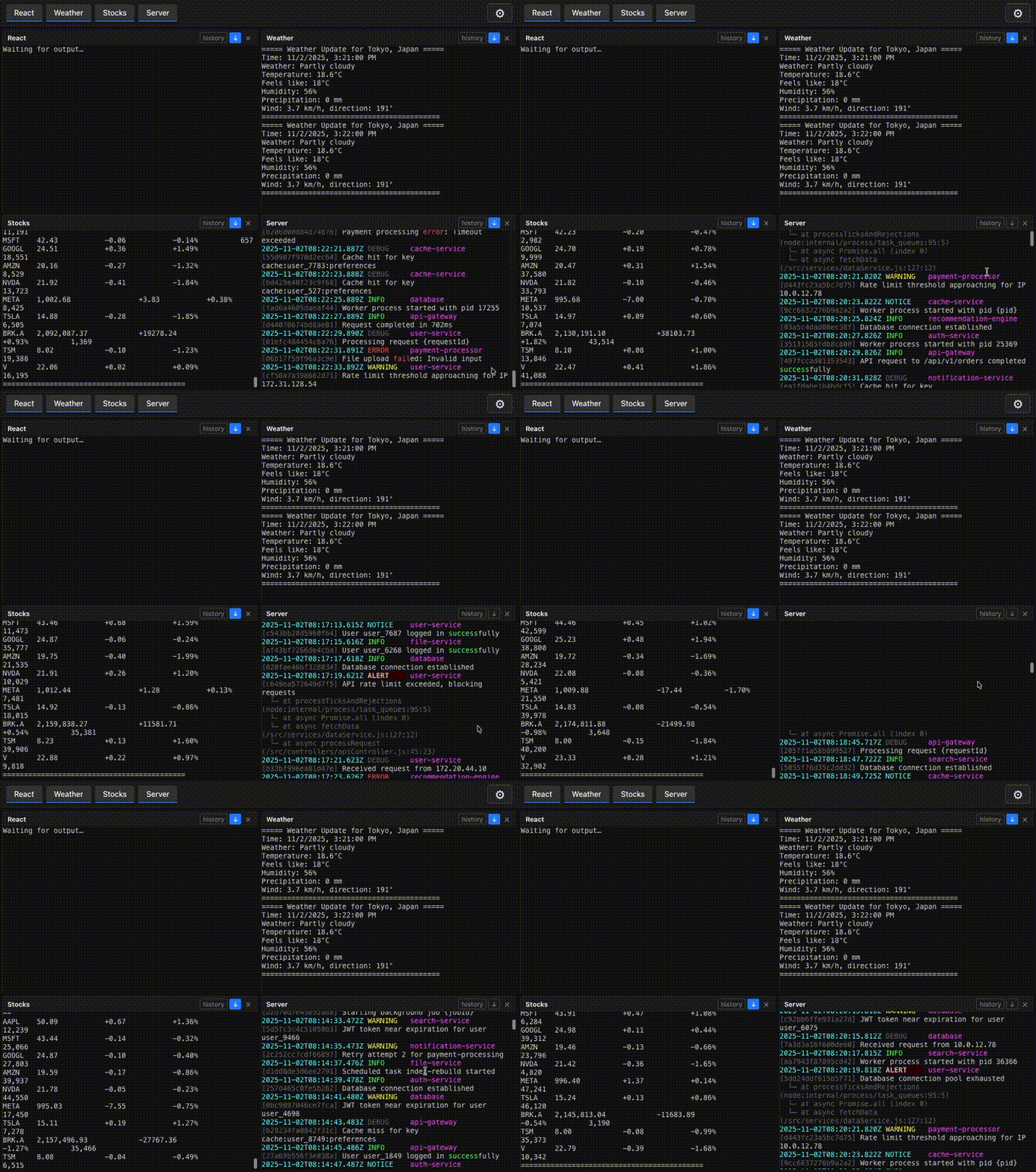
Access historical logs from the current session. All terminal output is persisted to LevelDB, allowing you to scroll back through past logs even after closing and reopening your browser.
Interface Customization
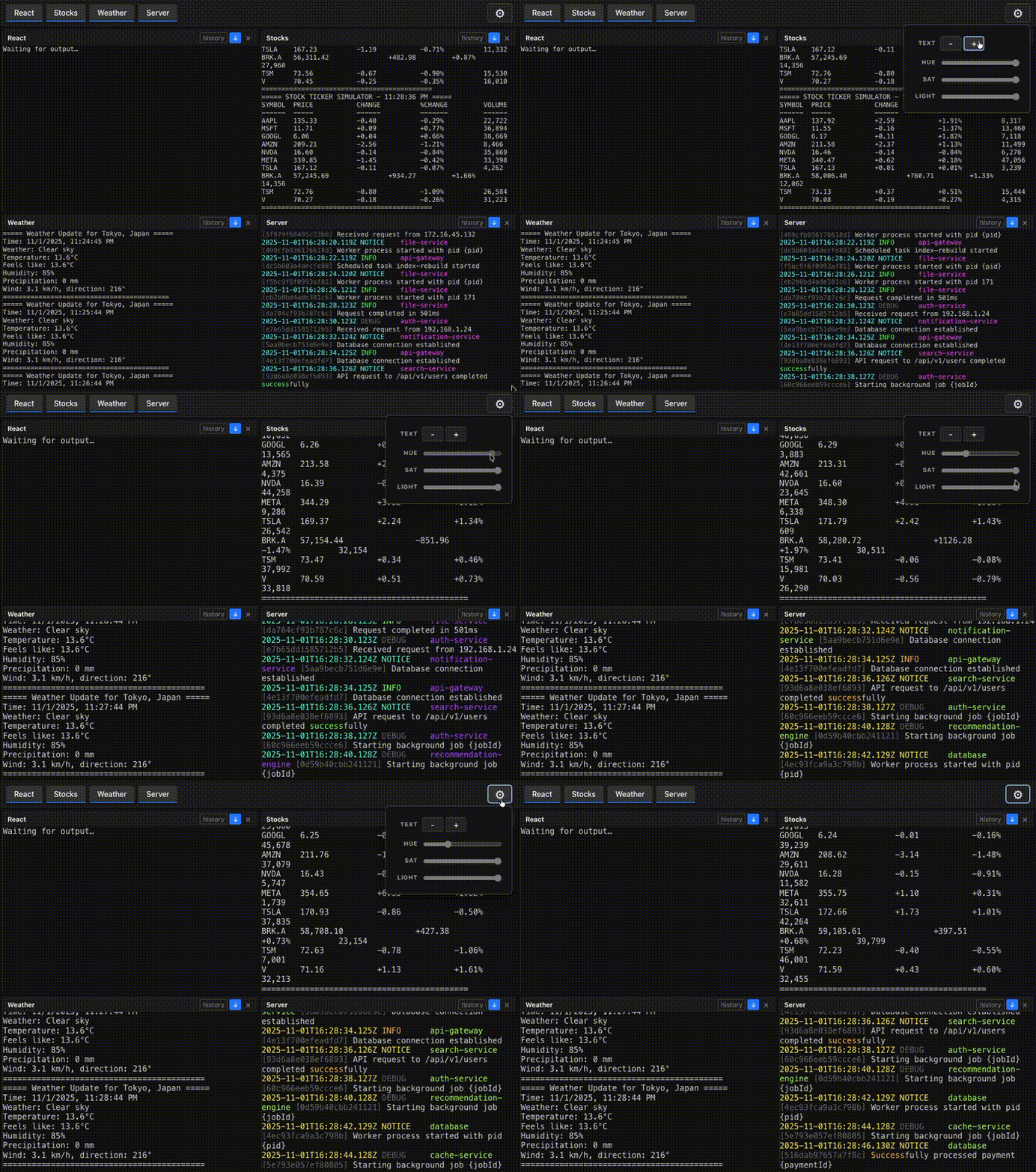
The dashboard offers several customization options:
- Text Size: Adjust the font size for better readability
- Color Customization: Apply HSL color schemes to all terminal outputs
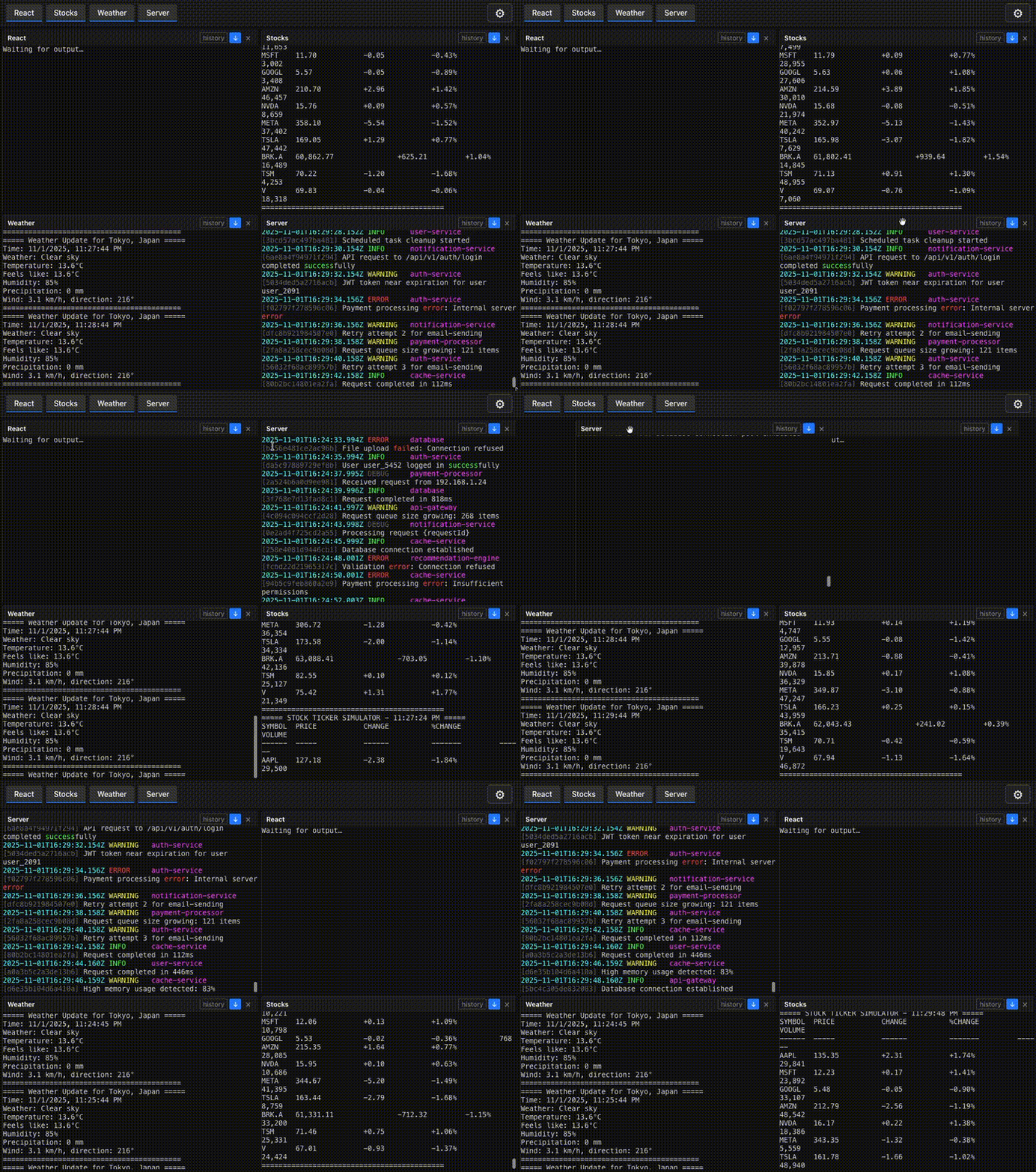
Terminal Reordering
Terminals can be rearranged using drag-and-drop functionality, allowing you to organize your workspace according to your preferences. This feature is powered by the Swapy library.
Browser Support
LucidLines works in modern desktop browsers:
- Chrome 80+
- Firefox 75+
- Safari 13+
- Edge 80+
Mobile browsers are not supported. Use a desktop browser for the best experience.
Troubleshooting
Connection Issues
If the dashboard fails to load:
- Verify that LucidLines is running and accessible
- Confirm you're using the correct port number
- Check the browser's developer console for error messages
- Ensure WebSocket connections are permitted by your network/firewall
Mobile Device Limitations
Mobile browsers are not supported.
LucidLines is designed specifically for desktop development environments. For the best experience:
- Use a desktop or laptop computer
- Ensure your screen width is at least 1024px
- Use a modern desktop browser
The complex terminal interface requirements make mobile browser support impractical.